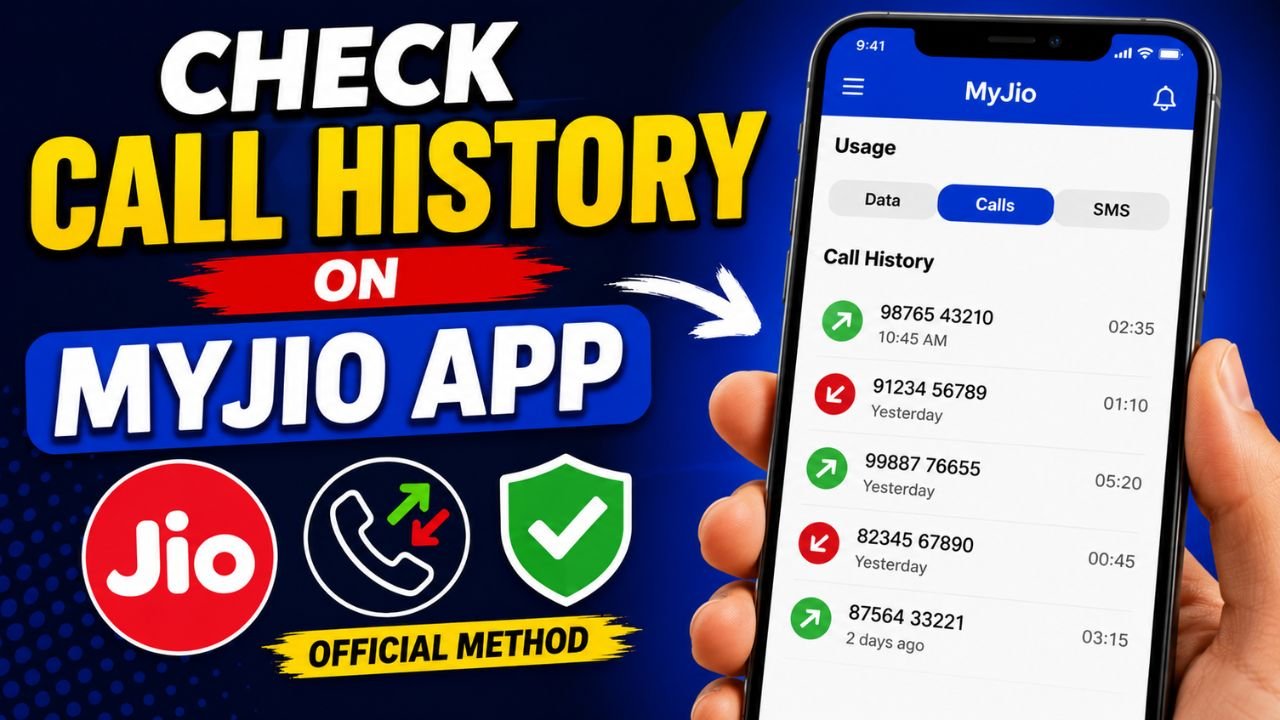
Need to find an old phone number or review your previous call records? Jio has made the process easier than ever. You no longer need unreliable third-party apps or risky websites.
Whether you prefer using the MyJio App, the official Jio website, or even WhatsApp, you can access your account’s call usage details securely in just a few minutes.
In this guide, we’ll show you the official ways to check your Jio call history in 2026.
Can You Check Jio Call History Online?
Jio allows its customers to view their own call usage details through official platforms after secure account verification.
You can check:
- Incoming and outgoing calls
- Call duration
- Date and time of each call
- Monthly usage statements
- Previous call records (subject to availability)
For security reasons, you’ll need to verify your account before accessing this information.
Method 1: Check Jio Call History Using the MyJio App
The MyJio App is the fastest and easiest way to access your call records.
Steps to View Call History
- Download and open the MyJio App.
- Sign in using your Jio mobile number.
- Complete the OTP verification process.
- Tap your Profile icon.
- Open the My Usage section.
- Select Calls to view recent call activity.
- Scroll down and tap View Detailed Usage Statement.
- Choose your preferred time period:
- Last 7 Days
- Last 15 Days
- Last 30 Days
- Custom Date Range
- Select whether you’d like to receive the statement by email.
- Tap Submit to view or download your call usage details.
Method 2: Check Jio Call History on the Official Website
If you’re using a laptop or desktop, the Jio website provides the same information.
Follow These Steps
- Visit the official Jio login page.
- Sign in with your Jio number.
- Verify your account using OTP.
- Open the Statement section.
- Select your preferred date range.
- Click View Statement.
- Choose Usage Charges.
- Select Voice Calls.
- Open the detailed statement to view your call records.
Method 3: View Jio Call Details Through WhatsApp
Jio also provides a convenient WhatsApp-based account service.
How It Works
- Save Jio’s official WhatsApp support number.
- Open WhatsApp and send the message:
My Account Statement
- Follow the verification instructions.
- You’ll receive a secure link.
- Tap the link to open your account in the MyJio App.
- View your available usage statement and call details.
This method is especially useful when you want quick access without manually browsing through the app.
What Information Is Included in Jio Call History?
Your usage statement may include:
- Incoming calls
- Outgoing calls
- Call duration
- Call date
- Call time
- Dialed phone numbers
- Voice usage summary
The statement does not include call recordings or conversation audio.
How Much Call History Can You Access?
Depending on your account and statement availability, Jio allows users to view historical usage for selected periods such as:
- 7 days
- 15 days
- 30 days
- Custom date range (when available)
Older records may vary based on Jio’s data retention policy.
Why You Should Avoid Third-Party Call History Apps
Many websites claim they can show:
- Jio call history without OTP
- Any person’s call records
- Unlimited call details
These claims are often misleading.
Using unofficial tools can expose you to:

- Identity theft
- Data leaks
- Malware
- Fake subscriptions
- Privacy risks
Always use Jio’s official services to protect your personal information.

Tips to Keep Your Jio Account Secure
Protect your account by following these simple practices:
- Never share your OTP.
- Use only official Jio platforms.
- Keep your MyJio App updated.
- Avoid suspicious websites.
- Don’t install unknown APK files.
- Enable device security features whenever possible.
Final Thoughts
Checking your Jio call history in 2026 is simple when you use official services like the MyJio App, Jio website, or WhatsApp support. These methods are secure, reliable, and designed to protect your personal information.
Avoid any website or application claiming to provide call records without verification, as they may compromise your privacy and security.
Frequently Asked Questions
Can I check my Jio call history without OTP?
No. Account verification is required to protect your personal information.
Can I download my Jio call statement?
Yes. The MyJio App allows eligible users to request detailed usage statements, including call records.
Does the Jio website show old call history?
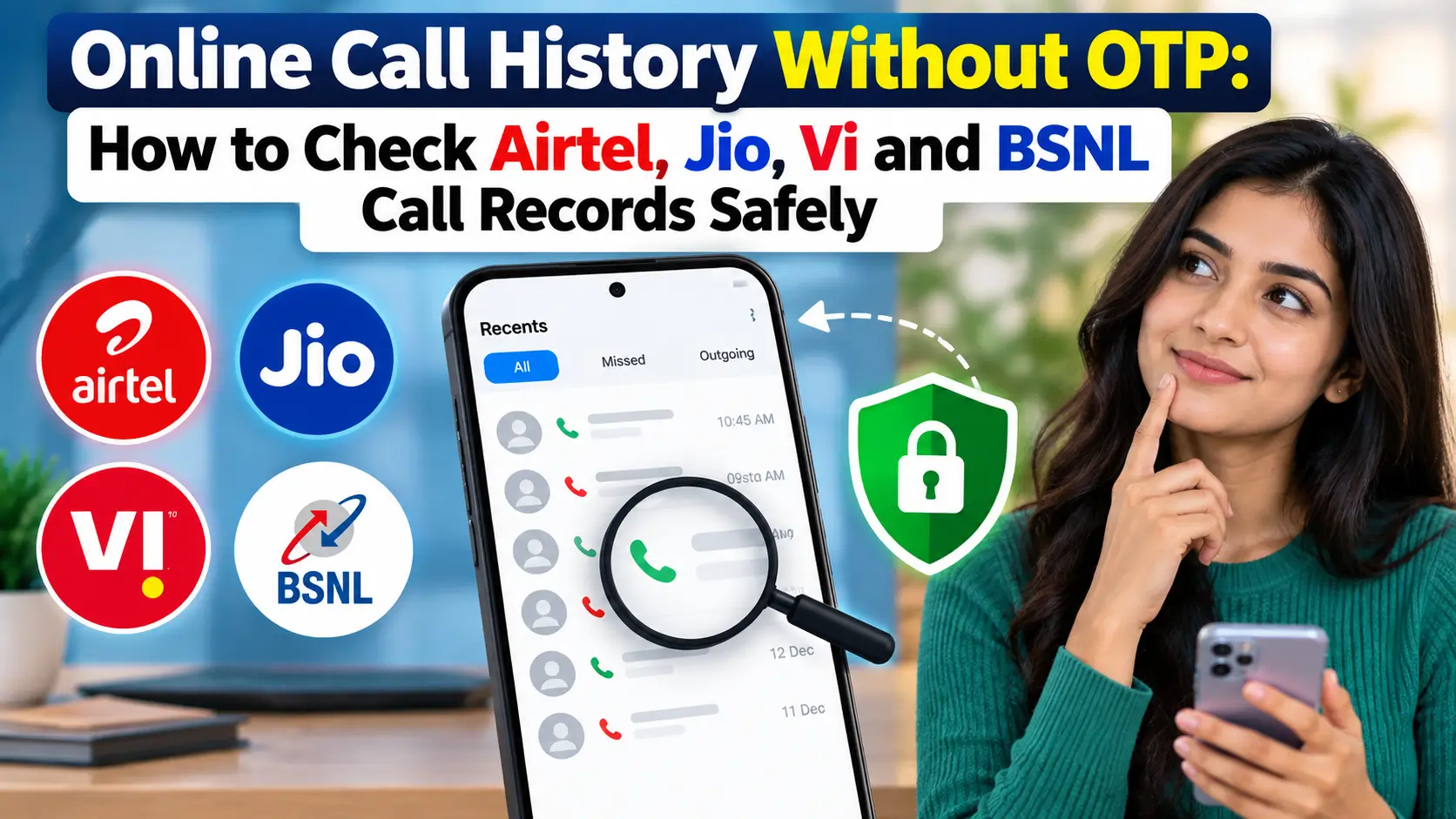
Yes. Depending on statement availability, you can select a date range and view your call usage.
Can WhatsApp show Jio call details?
WhatsApp can help you access your account statement through Jio’s official service after verification.
Does Jio call history include call recordings?
No. Call history only displays usage information such as call time, duration, and phone numbers.
Is it safe to use third-party call history websites?
No. Always use official Jio platforms to avoid security and privacy risks.