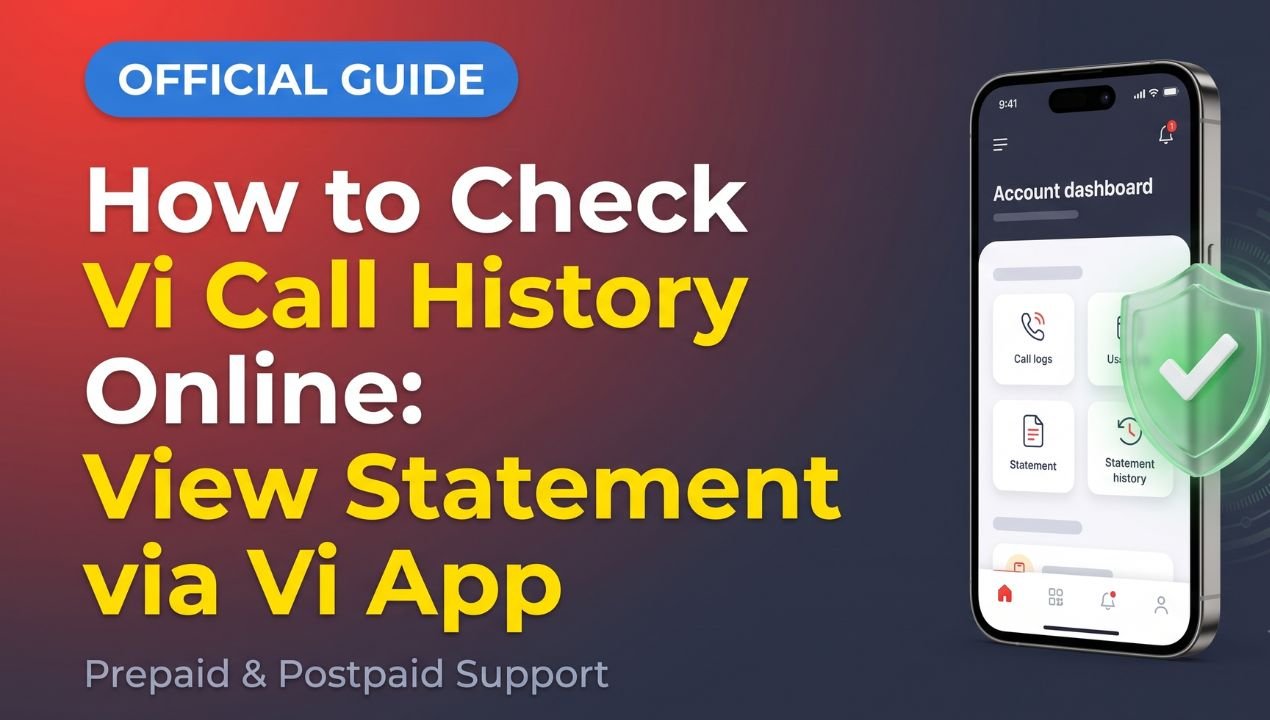
If you want to check call-related information for your own Vi mobile number, you can use the official Vi App, Vi website, or available self-service options. The information you can access depends on your connection, account type, billing system, and the service currently available from Vi.
Vi’s official support page states that customers can check recent deductions through the Vi App or by dialing *199# and selecting the relevant option under Balance and Usage.
Call records are private account information. Therefore, you should access only your own Vi number or an account that you are authorized to manage.
How to Check Vi Call Details Using the Vi App
The Vi App provides several account and usage-related services. To check available recent call-related information, first install the official Vi App and log in with your Vi mobile number.
Once you are signed in:
- Open the Vi App.
- Go to the Recharge and more section.
- Select History.
- Review the available recent deductions and account information.
Vi currently lists this process on its official support page for checking recent call charges and deductions.
The options displayed in the app can vary depending on your connection and account. App menus may also change after updates, so follow the options shown in the current version of the app.
Vi Official Call Details Guide
How to Check Vi Usage Through *199#
Vi also provides a USSD-based self-service option.
Dial *199# from your Vi mobile number and select the relevant option under Balance and Usage. Vi’s official self-service page states that *199# provides account-related options for both prepaid and postpaid users.

The options available can differ between prepaid and postpaid connections. Therefore, you should select the option displayed for your particular account instead of relying on an old USSD code list.
Can You Check Vi Call History Through the Website?
Vi’s official website provides account-management and billing services. Depending on your account type, you may be able to access bills, usage information, recharge history, and other account details.
For example, Vi states that postpaid customers can view current bill details through the Vi App under My Account → Bills and Payments.
The exact information available online can depend on your plan and account. If you need detailed information, sign in to your Vi account and check the available billing or usage options.
What Information Can You See?
The information available depends on the Vi service and account type.
Vi’s official support pages indicate that customers can access information such as recent deductions, balance, usage, recharge history, and billing details through its available account-management tools.
Postpaid customers can also access bill-related information through the Vi App. Vi states that its app provides access to bills and payments, while its self-service system provides account and usage options.
The exact call information shown may therefore vary between accounts. Users should check their own Vi account rather than assume that every number will display the same information.
Can You Check Vi Call Details Without OTP?
You should not try to bypass account verification to access call or billing information.

When Vi requires authentication, complete the verification process shown by the official app or website. Verification helps protect account information from unauthorized access.
If a website or application claims that it can provide private call records without account verification or authorization, avoid entering your personal information there.
Is There a Vi SMS Method for Call Details?
Older websites may mention SMS commands for checking account information. However, telecom services can change, and an older SMS instruction may no longer apply.
For current information, use the Vi App, the official Vi website, or Vi’s current customer-support pages. This avoids relying on outdated instructions.
Can You Check Someone Else’s Vi Call History?
Call history and billing information can contain private details. You should not attempt to access another person’s records without appropriate authorization.
Vi’s account services are designed for customers to manage their own accounts and authorized linked services. Accessing an account should follow the required verification process.
There is no need to use third-party websites claiming to provide private call records. For your own Vi number, the official Vi App and website are the appropriate places to check available information.
Are Vi Call Details Free?
The availability of particular account or usage information can depend on the Vi service you use. Some account-management and self-service features are available through the Vi App and *199#, while specific services may have their own terms.
Before requesting a particular statement or service, check the information shown by Vi for your account.
Avoid websites that advertise private call records as a free online service. They are not a replacement for Vi’s official account tools.

Check Out
How to Contact Vi Customer Support
If you cannot find the information you need through the Vi App or website, you can contact Vi customer support.
Vi’s official customer-care page currently lists 199 for enquiries and requests and 198 for complaints. Vi also provides digital support options, including chat and WhatsApp.
When contacting customer support, you may need to verify your mobile number or account details.
How to Protect Your Vi Account
Use only the official Vi App and website when accessing account information. Avoid entering your mobile number, OTP, password, banking details, or UPI PIN on unfamiliar websites.
Do not install unknown applications that claim to provide private call records. If you receive a message or link asking for account credentials, verify it through Vi’s official website before taking any action.
Conclusion
You can check available Vi call-related information through the official Vi App and self-service options. Vi currently provides a way to check recent deductions through Recharge and more → History in the app, while *199# provides account and usage options.
Postpaid users can also access bill-related information through the Vi App. The exact records available can vary according to the account and service.
For accurate information, use Vi’s official platforms rather than third-party websites claiming to provide private call records. This also helps protect your account and personal information.