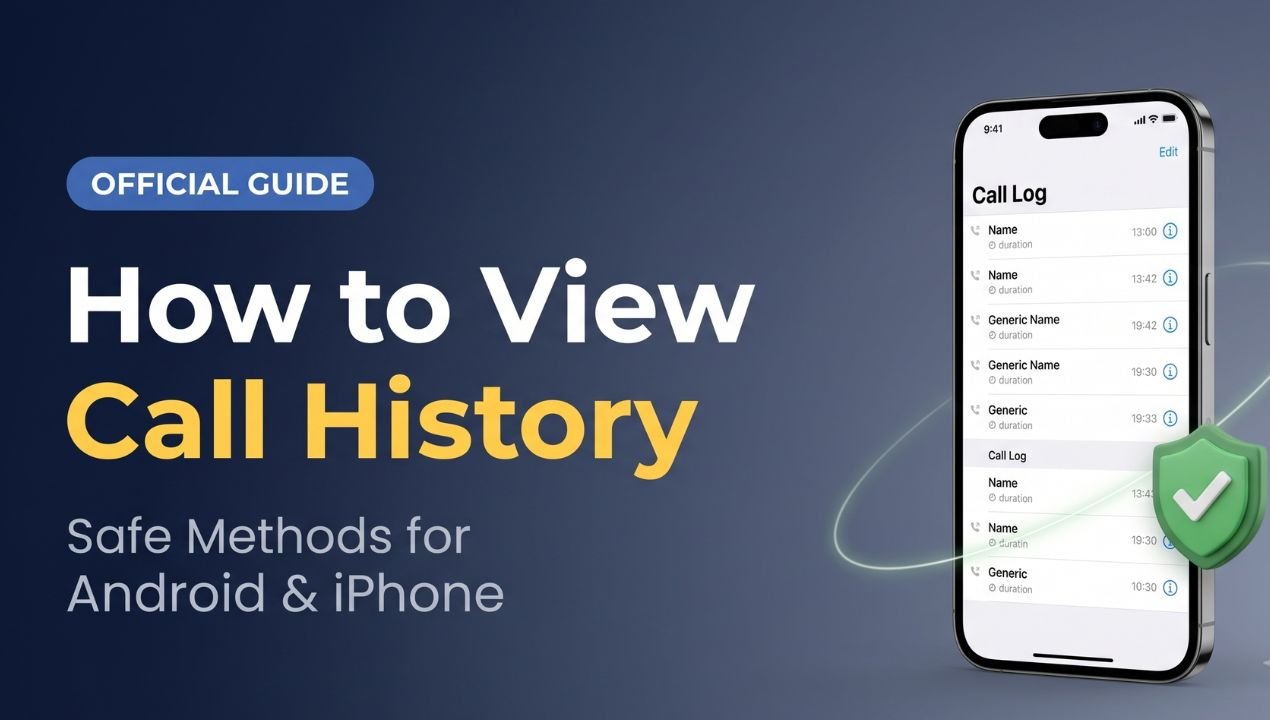
Checking call history is useful when you want to review a recent call, find a missed call, or check when you contacted someone. Most smartphones provide this information through the built-in Phone app.
If an older call record is no longer available on your phone, you may also check an existing backup or the official services provided by your telecom operator. The information available depends on your device, account, network provider, and service.
What Is Call History?
Call history, also called a call log, is a record of recent phone activity. It can include incoming, outgoing, and missed calls, along with the phone number or contact name, date, time, and call duration.
The information displayed can vary by smartphone model, operating system, Phone app, and settings.
Call history is different from call recording. A call log shows information about a call, but it normally does not contain the audio of the conversation.
How to Check Call History on Android
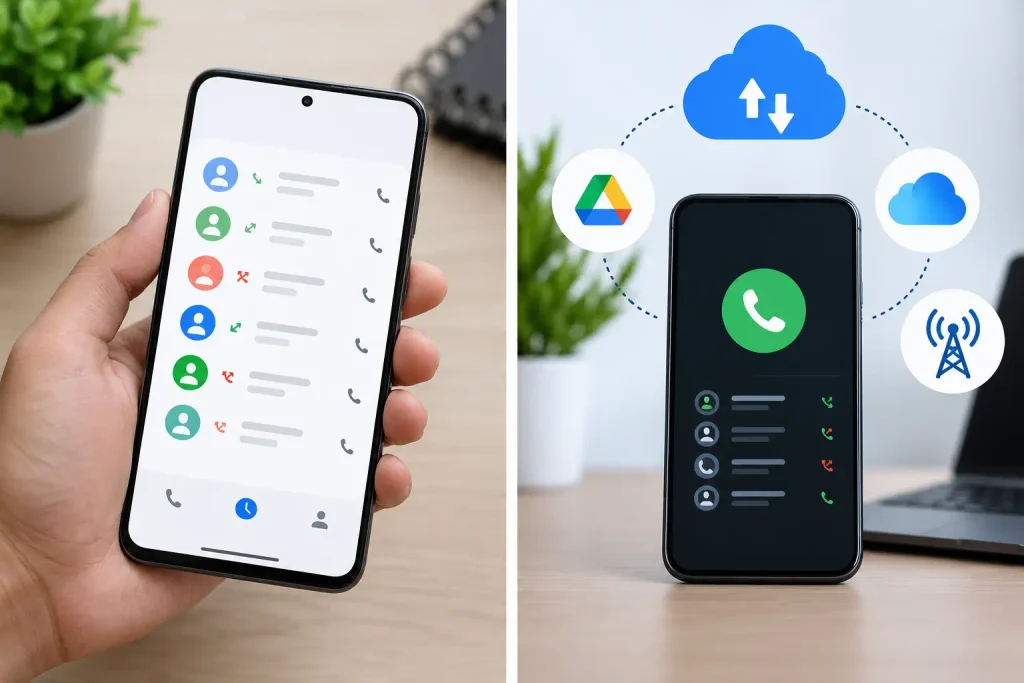
Android phones generally provide recent call information through the Phone app. The exact interface can vary between manufacturers.
To check your call history:
- Open the Phone app.
- Select Recents, Recent Calls, or Call History.
- Review your incoming, outgoing, and missed calls.
- Tap a contact or number to see additional information.
Depending on your device, you may see the call date, time, type, and duration.
Samsung, Google Pixel, Xiaomi, OnePlus, Motorola, and other Android phones may use different menu names. Therefore, the steps can vary slightly.
How to Check Call History on iPhone
iPhone users can check recent calls through the built-in Phone app.
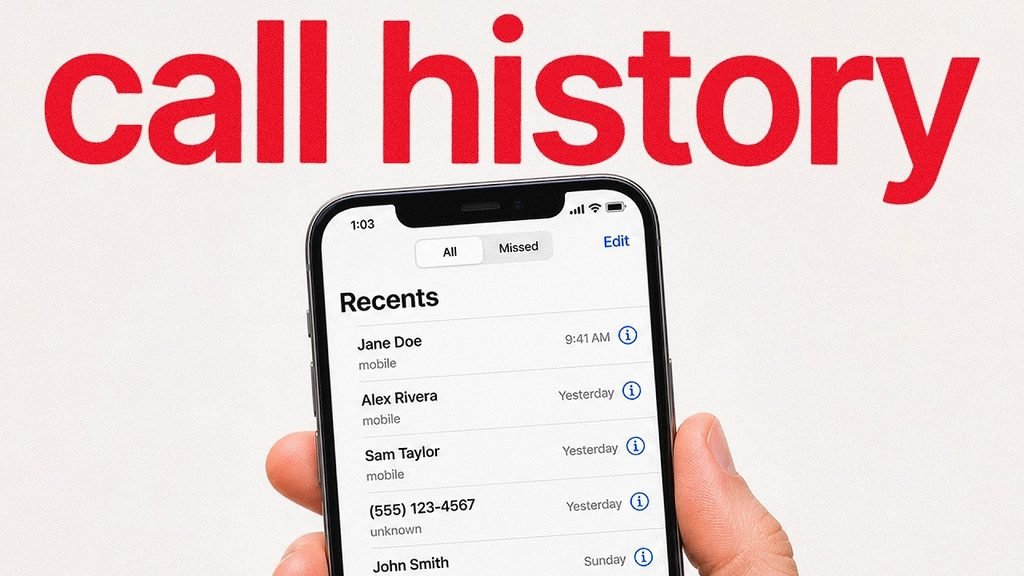
Open the Phone app and select Recents. You will see the available recent calls. Tap the information icon beside a number or contact to view additional details.

Depending on the iOS version, the available information may include the call type, date, time, and duration.
What If Call History Was Deleted?
Deleted call history may not always be recoverable. The available options depend on your phone, backup settings, synchronization, and telecom account.
If you have an existing backup, check whether it contains the information you need. Android users may have relevant information associated with their Google account, while iPhone users may have iCloud or computer backups.
Before restoring an older backup, check what information it contains. Restoring a backup can affect information created after that backup.
Some devices also provide cloud or synchronization services. If relevant call information was synchronized, certain records may be available depending on the device and account settings.
Can Telecom Providers Provide Call Details?
Your telecom provider may provide certain usage information for your own account. The type and period of information available depend on the operator, connection type, account, and service.
For account-related information, use the provider’s official app or website.
Jio Call History and Usage Details
Jio customers can use the MyJio app or Jio.com to check available usage information. Jio states that its statement feature can show outgoing call, SMS, and internet usage details for eligible periods. Its statement does not include incoming call details.
Jio Official Usage and Statement Information
Airtel Call History
Airtel provides information about checking call history through its official Airtel app and related services. The available information can depend on the type of connection and account.
Airtel Official Call History Guide

Avoid Unofficial Call-Details Services
Search results may include websites or applications claiming that you can obtain someone’s call history by entering a mobile number. Such claims should not be treated as a normal way to access private call records.
Do not provide your OTP, password, UPI PIN, banking information, SIM verification code, or telecom account credentials to an unknown website or person.
You should also avoid downloading unknown APK files that claim to provide private call records.
For your own account, use your phone’s call log or the official service provided by your telecom operator.
Can You Check Someone Else’s Call History?
Call records can contain private information. You should access call-related information only when it belongs to your own device or an account you are authorized to manage.
Another person’s private call records should not be accessed without appropriate permission or authorization. The requirements can depend on the circumstances and applicable rules.
There is no general public method that lets a person enter a mobile number and view another person’s private call history.
Call History vs. Call Recording
Call history and call recording are two different things.
A call history entry can show the number, date, time, call type, and duration. A call recording contains audio from the conversation when recording is supported, enabled, and lawfully used.
For example, a call log showing a 20-minute call does not mean that the conversation can be played back. An audio recording would need to have been created and saved separately.
How Long Does Call History Stay on a Phone?
Call records are not necessarily stored on a phone indefinitely. The number of records retained can depend on the device, operating system, Phone app, synchronization settings, storage, and user actions.

Older entries may eventually disappear as new calls are added. If certain information is important, maintaining appropriate backups can help preserve available records.
How to Protect Your Call Records
Protect your smartphone with a strong PIN, password, fingerprint, or another supported security method. Keep your accounts secure and use official applications whenever possible.
Be careful with links received through email, text messages, social media, or messaging apps. Avoid services that request sensitive information in exchange for access to call records.
Conclusion
Checking recent call history is usually straightforward on Android and iPhone. The built-in Phone app is the first place to check recent incoming, outgoing, and missed calls.
If an older record is unavailable, you can check an existing backup or your telecom provider’s official services. However, the information available can vary by device, provider, account, and service.
For your own call-related information, using your smartphone’s call log, authorized account, and official telecom services is the appropriate approach.