If you want to check Jio call details for your own connection, you can use the official MyJio app or Jio.com. Jio provides a statement feature that can show outgoing call, SMS, and internet usage details, along with other account information.
The available records depend on the service and the period selected. Jio currently states that users can generate a 30-day statement for any period within the previous six months.
How to Check Jio Call Details on MyJio
You can generate your available usage statement directly through the MyJio app.
Follow these steps:
- Open the MyJio app and log in using OTP.
- Tap Mobile on the home screen.
- Open Recharges & History.
- Select My Statement.
- Choose the required 30-day period.
- Tap View to generate the statement.
Jio says the statement can be downloaded as a PDF or sent to your registered email address. The selected period must fall within the previous six months.
The exact appearance of the app can change after software updates, but the statement feature remains available through the account services documented by Jio.
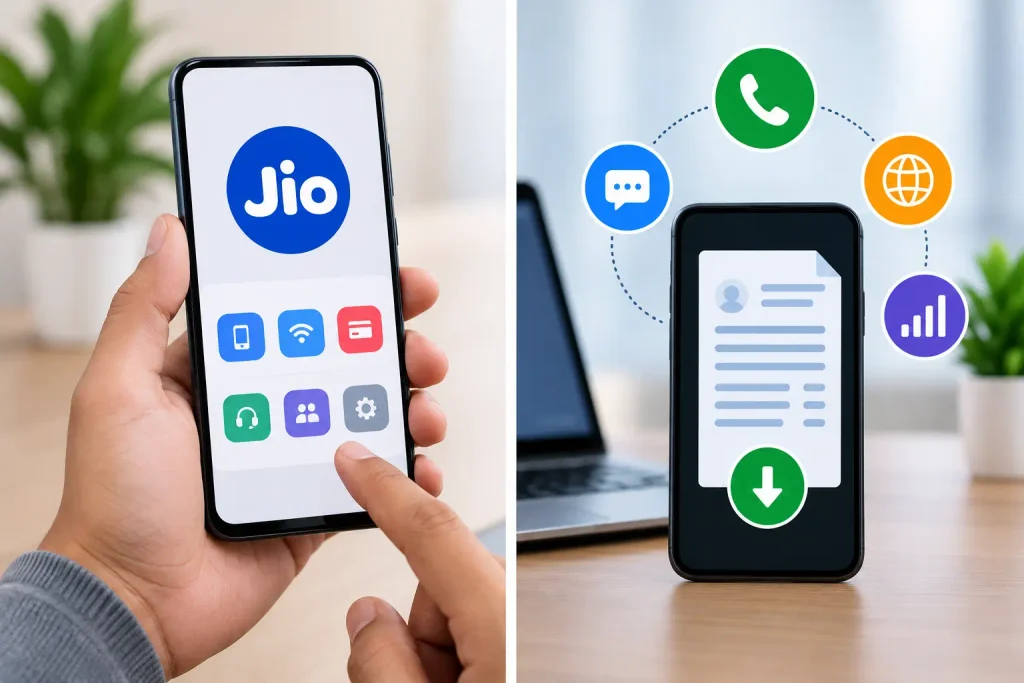
How to Check Jio Usage on Jio.com
You can also access your available usage information through Jio.com.
First, log in using OTP. Then open Recharges & Payments and select Statement. Choose the required period and select View.
Jio provides the option to download the generated statement as a PDF or send it to the registered email address.

For the latest instructions, use the official Jio statement guide:
What Information Does a Jio Statement Include?
According to Jio, the statement is a summary of outgoing call, SMS, and internet usage details. It can also include recharge history, active plans, and top-up balance.
The information shown can depend on your Jio service and account. Therefore, users should check the statement generated from their own account rather than relying on general claims about what every Jio number will display.
Does Jio Statement Show Incoming Calls?
No. Jio’s official information states that incoming call details are not included in the statement. If you want to check incoming calls, you should refer to the call log available on your mobile phone.
The phone’s call log can contain recent incoming, outgoing, and missed calls. How far back you can view these records depends on the device and whether older entries have been deleted.
Can You Download the Jio Call Statement?
Yes. Jio allows users to download the generated statement as a PDF or send it to their registered email address. The statement can be generated for a 30-day period within the previous six months.
This is useful if you need to keep a copy of the available usage information for your own account.
Can You Manage Another Jio Number?
MyJio supports linking multiple Jio numbers and services to one account. However, you should only link and manage a number when you are authorized to access it.

Jio’s official instructions require OTP verification when adding a new mobile number. After successful verification, the linked account can be selected through the account-switching option in MyJio.
This account-linking feature should not be confused with accessing another person’s private call records. OTP verification and account authorization are required for managing a linked number.
What About Deleted Call History?
A deleted call entry from your phone’s local call log is different from usage information available through your Jio account.
If an outgoing call is no longer visible in the phone’s call history, you may be able to find related information in an available Jio statement if it falls within the supported period. However, you should not assume that every deleted call-log entry can be recovered.
Jio’s statement does not include incoming call details, and its current statement feature covers a 30-day period within the previous six months.
Avoid Unofficial Call-Details Websites
You may find websites or applications claiming to provide Jio call records by entering a mobile number. Such services should not be treated as an alternative to Jio’s official account features.
In particular, avoid services that ask for an OTP, MyJio credentials, banking information, UPI PIN, or other confidential details without a legitimate reason.
For your own Jio connection, use the MyJio app or Jio.com to access available account and usage information.
You can also use Jio’s official MyJio page for account and usage services:

Check Out
Conclusion
The official way to check available Jio call details is through MyJio or Jio.com. Jio’s statement feature can provide outgoing call, SMS, and internet usage information for a selected 30-day period within the previous six months. The statement can also be downloaded as a PDF or sent to the registered email address.
Incoming call details are not included in the Jio statement, so those should be checked through the call log on your phone.
If you manage multiple Jio services, MyJio also supports linking accounts with the required OTP verification.
For accurate information, rely on Jio’s official app and website rather than third-party services claiming to provide private call records.