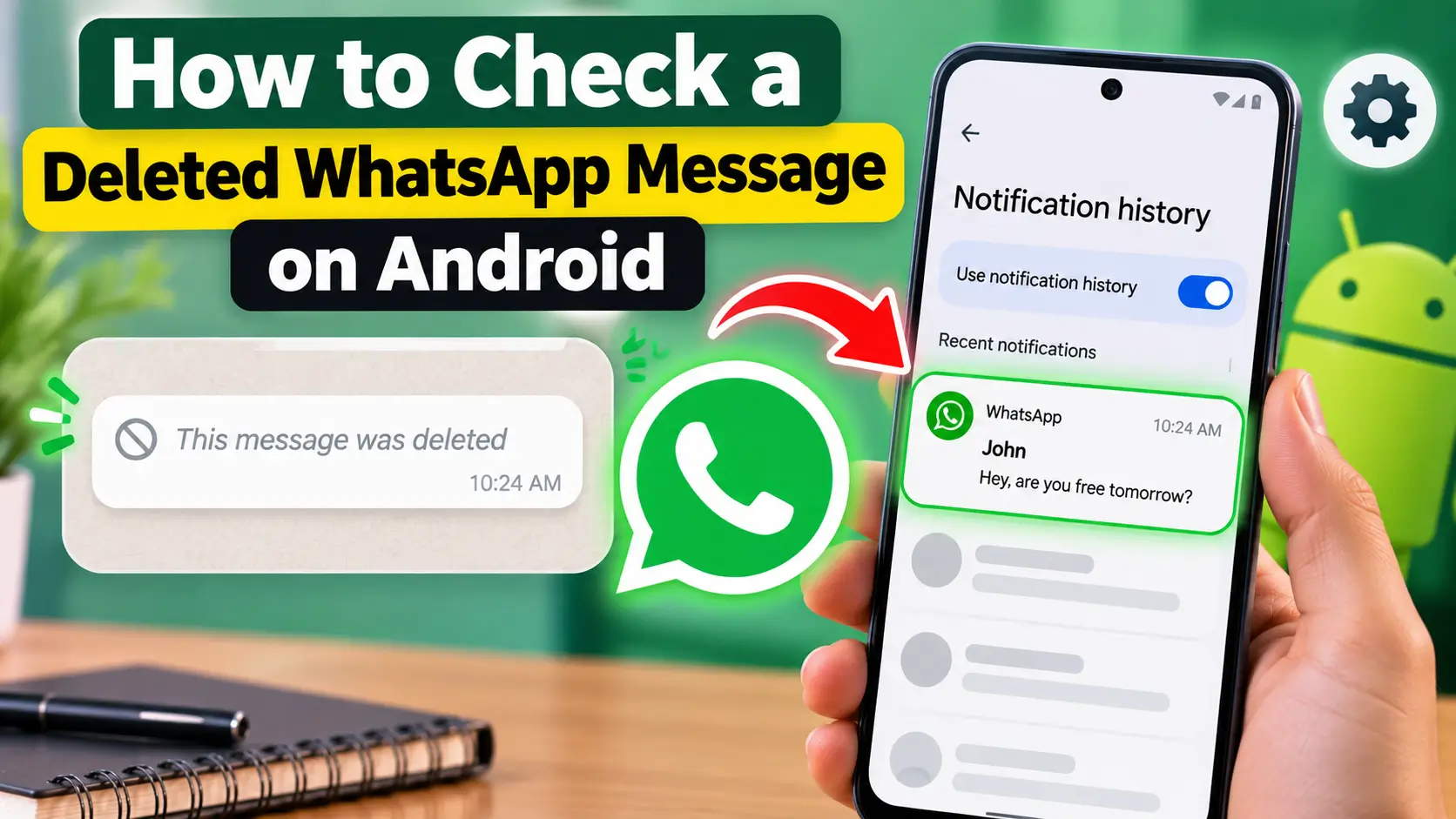
If someone sends you a WhatsApp message and deletes it before you read it, WhatsApp may show “This message was deleted.” On some Android phones, you may still be able to review part of the message if its notification was received and saved in Notification History.
Notification History is an Android feature that keeps a record of recent notifications. It is not a WhatsApp recovery tool. Instead, it lets you review notifications that were already delivered to your phone. Google says supported Android devices can use Notification History to find recently dismissed notifications and notifications from the last 24 hours.
What Is Notification History?
Notification History is a system feature available on some Android devices. It can keep recent notifications from apps such as WhatsApp, email, and other services.
If a WhatsApp message appeared as a notification before the sender deleted it, the notification may remain available in Notification History. In that situation, you may be able to see some or all of the text that was included in the notification.
However, the feature does not restore the deleted message inside WhatsApp. It only displays information that was previously included in a notification.
How to Turn On Notification History
On many Android phones, you can find the feature through the notification settings.
Open Settings and go to Notifications. Look for Notification History and turn it on.
Google notes that the exact settings can vary by device, and some Android phones may not include Notification History.
It is important to enable the feature before you need it. Turning it on does not normally create a record of notifications that were received before the feature was enabled.
How to Enable It on Samsung Galaxy Phones
Samsung Galaxy phones have their own Notification History settings.
Open:
Settings → Notifications → Advanced settings → Notification history
Turn on the Notification History option.
Samsung states that Notification History can be used to review recently dismissed notifications and notifications received during the previous 24 hours. Samsung also notes that menus can vary depending on the phone model and software version.
Once enabled, the phone can begin saving eligible notifications for later review.
How to Check a Deleted WhatsApp Message
After Notification History has been enabled, open the feature from your phone’s notification settings.
Look through the recent notification list and find the WhatsApp notification related to the message.
If the message notification was saved, you may see the sender’s name and some of the message text. The amount of text shown depends on what was included in the original notification.
WhatsApp’s notification settings can also affect what appears in notifications. WhatsApp provides options for managing message notifications and previews.
Why the Deleted Message May Not Appear
Notification History does not guarantee that every deleted WhatsApp message will be visible.
For example, the notification may not have been delivered to your phone. WhatsApp notifications may also be disabled, muted, or restricted by your device settings. WhatsApp explains that device notification settings can affect whether WhatsApp notifications are received.
A message may also contain more text than the notification can display. In that case, Notification History may show only part of the message.
If the feature was not enabled when the notification arrived, the earlier notification may not be available in the history.
Notification History Has a Limited Time Range
Notification History is designed for recent notifications rather than long-term message storage.
Google describes the feature as providing a history of the day’s notifications, including notifications from the last 24 hours. Samsung similarly documents access to notifications from the previous 24 hours on supported Galaxy devices.
Therefore, you should not expect Notification History to provide a permanent record of WhatsApp notifications.
Notification History Has Other Uses
This Android feature is not limited to WhatsApp.
You can also use it to review notifications that you accidentally dismissed. It can help you identify recent alerts from email apps, social media applications, system services, and other supported apps.
This makes Notification History useful for managing missed notifications even when no WhatsApp message has been deleted.
Official Resources
For current instructions, check the official Android and Samsung support pages:
Conclusion
Android’s Notification History can sometimes help you review part of a WhatsApp message after it has been deleted, but only when the message notification was previously delivered and saved by the phone.
It does not recover the deleted message from WhatsApp itself. The feature also depends on the Android device, notification settings, and the information included in the original notification.
For the best results, enable Notification History in advance and keep WhatsApp notifications enabled. Remember that the feature is intended for recent notifications and does not provide a permanent record of deleted WhatsApp messages.