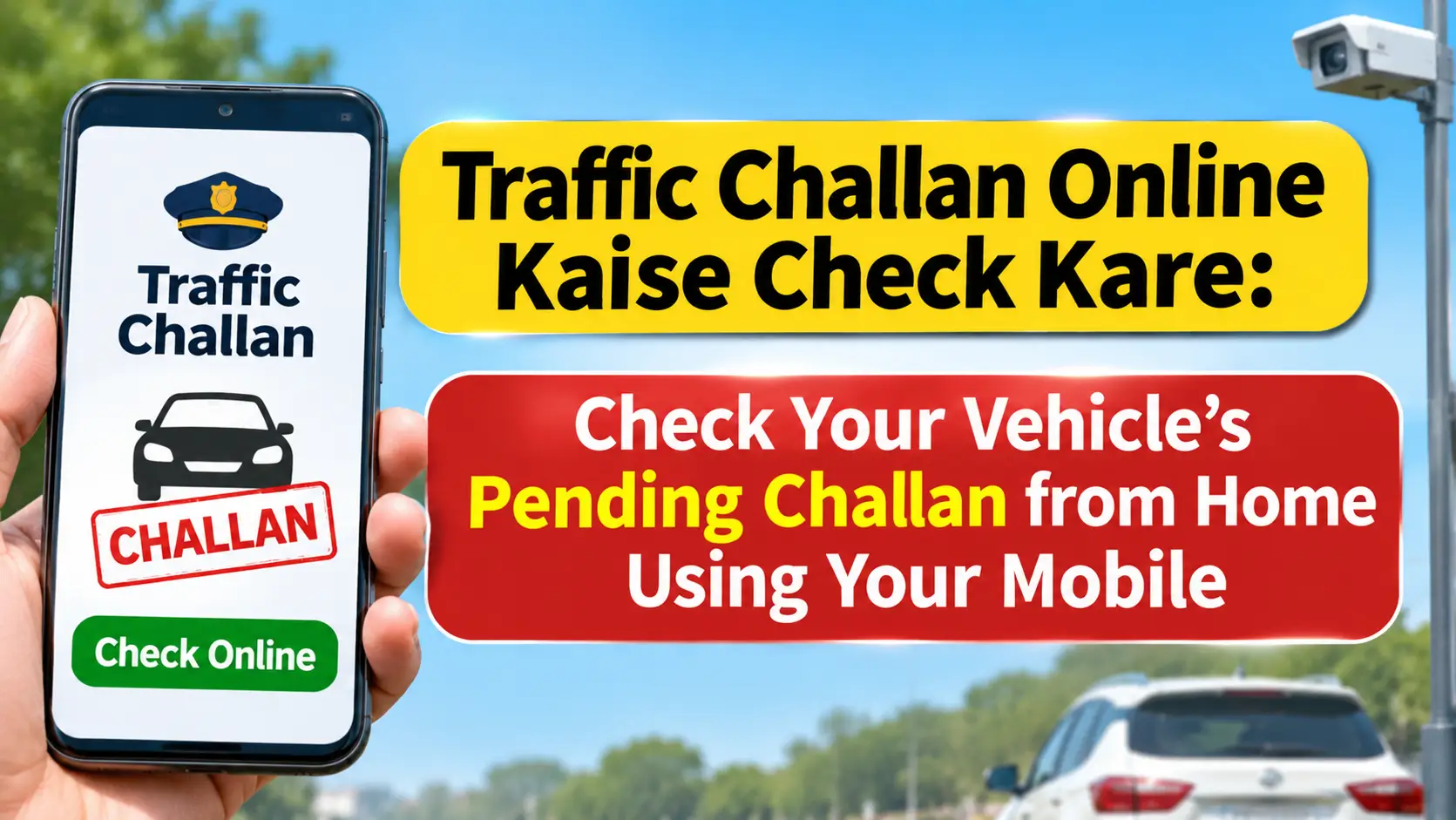
If you own a bike, car, or any other vehicle, checking its traffic challan status regularly is important. Sometimes, a traffic challan is issued for violating road rules, but the vehicle owner may not receive the information immediately. Knowing Traffic Challan Online Kaise Check Kare can help you find out whether your vehicle has any pending fines without visiting a traffic police office. You can check available challan records from your mobile phone or computer. The official Government of India e-Challan portal allows users to search using a vehicle registration number, challan number, or driving licence details.
What Is a Traffic Challan?
A traffic challan is an official notice issued when a driver or vehicle owner violates traffic rules. It can be issued directly by traffic police officers. In many cases, traffic cameras and speed monitoring systems can also generate challans automatically.
Common reasons for receiving a traffic challan include riding a two-wheeler without a helmet, driving a car without wearing a seat belt, overspeeding, and jumping a red light. Driving without a valid licence or required vehicle documents can also lead to penalties.
The fine amount depends on the type of violation and the applicable central or state traffic rules. Therefore, checking the details on an official government portal is always recommended.
Traffic Challan Online Kaise Check Kare?
The easiest way to check your vehicle’s challan status is through the official e-Challan portal operated by the Ministry of Road Transport and Highways. You can complete the process using a mobile phone or computer.
First, open the official e-Challan website in your browser. Next, visit the section where you can check challan status or view challan details. You may find options to search using your vehicle number, challan number, or driving licence number.
Select your preferred search option and enter the required details. Make sure your vehicle registration number matches the information printed on your Registration Certificate (RC). Complete the CAPTCHA or verification process if required.
After submitting the information, the portal will display the available challan records. If a challan has been issued, you may see details such as the challan number, violation date, offence type, fine amount, and payment status.
How to Check Challan by Vehicle Number
You do not necessarily need a challan number to check your vehicle’s traffic records. You may also be able to search using only the vehicle registration number, provided the relevant record is available on the portal.
Open the official e-Challan website and go to the challan status section. Select the vehicle number search option and enter the registration number of your bike, car, or scooter.
Complete the required verification and submit the details. The portal will show the available challans associated with your vehicle, along with their payment status.
If no record appears, it does not always mean that your vehicle has never received a challan. A recently issued challan may take some time to appear in the system. In certain cases, you may also need to check the website of the relevant state or city traffic police.
How to Identify a Pending Challan
A pending challan is a traffic violation record for which payment or settlement has not yet been fully updated in the relevant system.
To identify pending challans, search using your vehicle number, challan number, or driving licence details. Check the status of every record separately to find out whether any payment or further action is required.
Do not assume that every challan displayed on the screen is unpaid. Some challans may have already been paid, while others may have been forwarded to a court or virtual court. Always read the individual challan status before making a payment.
How to Pay a Traffic Challan Online
If your vehicle has a valid pending challan, you may be able to pay it online through the official payment facility.
First, search for the challan on the e-Challan portal using the required details. Open the relevant record and verify the vehicle number, offence details, fine amount, and payment status.
If an online payment option is available, select it and follow the instructions on the official payment page. Once the transaction is successful, save the payment receipt or transaction reference number.
Avoid paying the same challan twice. If you have already paid through a court or another authorised method, check the status before making another transaction. If money has been deducted but the challan status has not changed, use the official payment verification facility before attempting another payment.
How to Download the Challan Receipt
After completing an online payment, keep a copy of the receipt as proof of payment.
Open the receipt or payment status section on the official e-Challan portal. Enter the required details, such as the challan number, vehicle number, or transaction information. Complete the verification process if requested.
Once the successful payment record appears, download or print the receipt if the option is available. Keep it safely for future reference.
Check Challan Status on State Traffic Police Websites
Some states and cities also provide separate online challan services through their traffic police websites.
If you cannot find a record on the central e-Challan portal, visit the official traffic police website of your state or city. For example, Delhi has a separate online traffic challan service.

However, the search process and payment options may vary between states. Always confirm that you are using an official government website before entering vehicle details or making payments.
What to Do If You Receive an Incorrect Challan
Sometimes, a challan may contain incorrect information. For example, the vehicle number may be wrong, the vehicle shown may not belong to you, or the reported offence may not be related to your vehicle.
In such cases, carefully check the offence details, date, location, and vehicle information before making a payment.
Keep a copy of the challan details and any available photographs or evidence. Then, look for the complaint or grievance facility on the official portal. Submit your objection with the necessary documents. You can also contact the concerned traffic police department if required.
If the challan has already been forwarded to a court or virtual court, follow the instructions provided for that case. Do not ignore a challan simply because you believe it was issued incorrectly.
Why Is My Online Challan Not Showing?
There can be several reasons why a challan does not appear after entering your vehicle number.
A recently issued challan may not have been uploaded to the system yet. You may have entered an incorrect vehicle number, or the record may be available on a different state or city traffic police portal.
Temporary technical problems can also prevent the website from displaying information. In some cases, a challan may already have been paid or updated in the system.
Check your vehicle number carefully and try again after some time. If the problem continues, contact the official e-Challan helpdesk or the relevant traffic police department.
Is It Safe to Check a Traffic Challan Online?
Yes, checking your vehicle’s challan status through the official government portal is a recommended method. However, you should remain careful because fake websites and fraudulent payment messages may imitate official services.
Always open the official e-Challan website directly: echallan.parivahan.gov.in. Avoid clicking unknown payment links received through SMS or WhatsApp.
Never share your UPI PIN, banking password, or payment OTP with anyone claiming to be a traffic officer. Do not install unknown apps that promise to check traffic challans. Always verify the website address before making a payment and keep the transaction receipt safely.

Frequently Asked Questions
Can I check a traffic challan without a challan number?
Yes. You may be able to search for available challan records using your vehicle registration number or driving licence details on the official portal.
Can I check a traffic challan using my mobile phone?
Yes. Open the official e-Challan website in your mobile browser to check the available records associated with your vehicle.
What should I do if I receive a fake challan message?
Do not click suspicious links or make payments through unknown websites. Open the official e-Challan portal yourself and check whether a challan has actually been issued.
What happens if I do not pay a traffic challan?
The consequences depend on the applicable law and the status of the case. An unpaid challan may lead to further legal or enforcement action.
Why Should You Check Your Challan Status Regularly?
Checking your vehicle’s challan status from time to time can help you identify pending records and take the necessary action on time. It also helps you avoid overlooking an unpaid fine or an issue that requires attention.
Always verify the challan details before making a payment, save the receipt, and use only official government websites for checking and paying traffic challans.