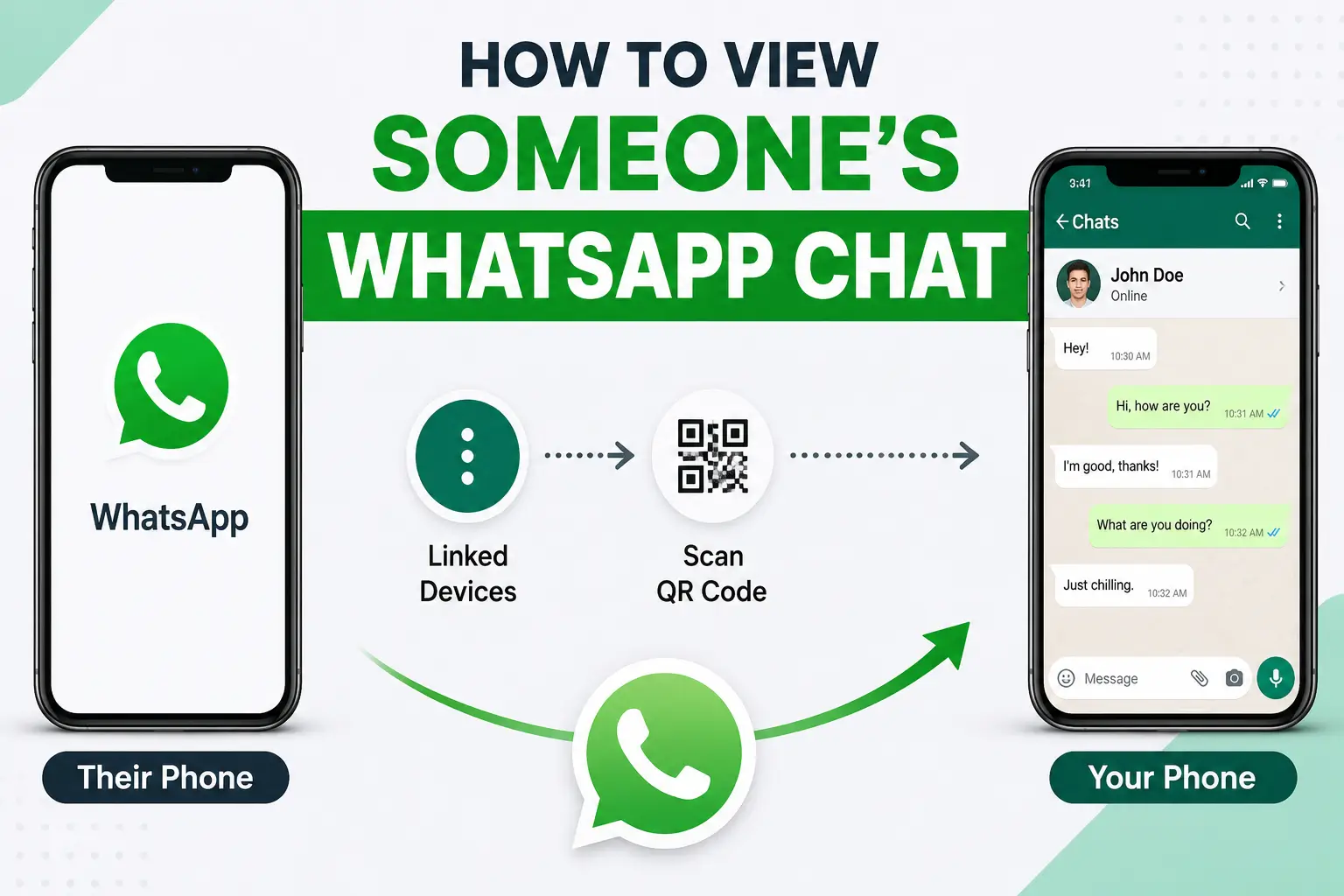
Friends, we all know that ever since WhatsApp was introduced, it has become much easier for people to communicate with their friends. However, many people also end up cheating, so in this article, I will explain how to view someone else’s WhatsApp chats on your mobile. Just read the entire article carefully.
Many people want to view WhatsApp chats because they want to check whether their girlfriend or boyfriend is cheating on them. That’s why they look for ways to see someone else’s WhatsApp on their own mobile. There can also be many other reasons why people want to do this.
If you want to do this easily, simply read this article carefully. After that, you will understand everything clearly. So, let’s learn how to access WhatsApp chats by following all the steps mentioned below.
Now I’m going to explain how to view someone else’s WhatsApp chats on your mobile. There are two ways to do this. The first is by using an application, and the second is by using a website. I will explain both methods, so read the article completely.
How to View Chats Using a WhatsApp Tracker App
To read WhatsApp chats on your mobile, you can use two methods. For this, you first need to download an application on your phone. Then you’ll need to follow a few simple steps. After that, you’ll be able to read WhatsApp chats easily.
#1 Download the WhatsApp Tracker Application
First, download the WhatsApp Tracker application on your mobile. A download link is provided below, from where you can download it for free.
#2 Install the Application
Once the WhatsApp Tracker application has been downloaded, install it. Usually, the installation starts automatically after downloading, so there’s nothing to worry about.
#3 Open WhatsApp Tracker
After opening the WhatsApp Tracker application, you’ll first need to accept the Privacy Policy. After that, all the available options will appear on the screen.
Note: Once the application opens, you’ll see several options, including downloading WhatsApp Status and viewing deleted messages.
#4 Click on WhatsApp Web
After opening WhatsApp Tracker, you’ll see a WhatsApp Web option. Click on it and then tap Login.
read also: Carens Clavis EV की बैटरी पर Kia का बड़ा फैसला, 15 साल तक Unlimited KM वारंटी
#5 Scan the QR Code with the Other WhatsApp
After clicking Login, a QR code will appear. Open the WhatsApp account you want to access, go to Settings or tap the three-dot menu.
Then tap Linked Device, and scan the QR code.
#6 Finally Access and Track Chats
After completing these steps, you can access the chats and open them whenever you want. You’ll also be able to see status updates and other information.
Original WhatsApp Tracking Method Through WhatsApp Web
If you prefer using the official WhatsApp website, then this is the method for you. Below is the best way to use WhatsApp Web.
#1 Open the WhatsApp Web Website
First, open your mobile web browser and visit https://web.whatsapp.com. Alternatively, search for WhatsApp Web on Google and open the official website.
Note: When opening https://web.whatsapp.com, enable Desktop Mode in your browser so everything displays correctly.
#2 Open Your WhatsApp Application
Once WhatsApp Web is open, you’ll see a QR code. Now take the phone whose WhatsApp messages you want to access and open WhatsApp on that device.
#3 Click on the Three Dots
After opening WhatsApp, tap the three-dot menu located at the top-right corner of the screen.
#4 Click on Linked Devices
After tapping the three dots, you’ll see the Linked Devices option. Tap on it.
#5 Click on Link a Device and Scan the QR Code
Next, tap Link a Device. A QR scanner will open. Scan the QR code displayed on WhatsApp Web. After scanning, all the WhatsApp chats will appear on your phone, allowing you to use all the available features.
#6 Finally, You’re Done!
Once you’ve completed all these steps, the setup is finished. You can then access the WhatsApp chats without any difficulty.
Final Words
Friends, I have tried to explain everything in the simplest way possible so that you don’t face any problems. If you follow all the steps carefully, you’ll be able to access WhatsApp chats on your mobile easily. Just make sure to follow every step properly.
I hope you enjoyed reading this article. If you found it helpful, please share it with your friends.